

Overview
Overview is the dashboard’s default operational view. It answers three questions without requiring you to inspect raw workflow activity:
- Is work moving?
- What activity and evidence have been retained?
- Where should I investigate next?
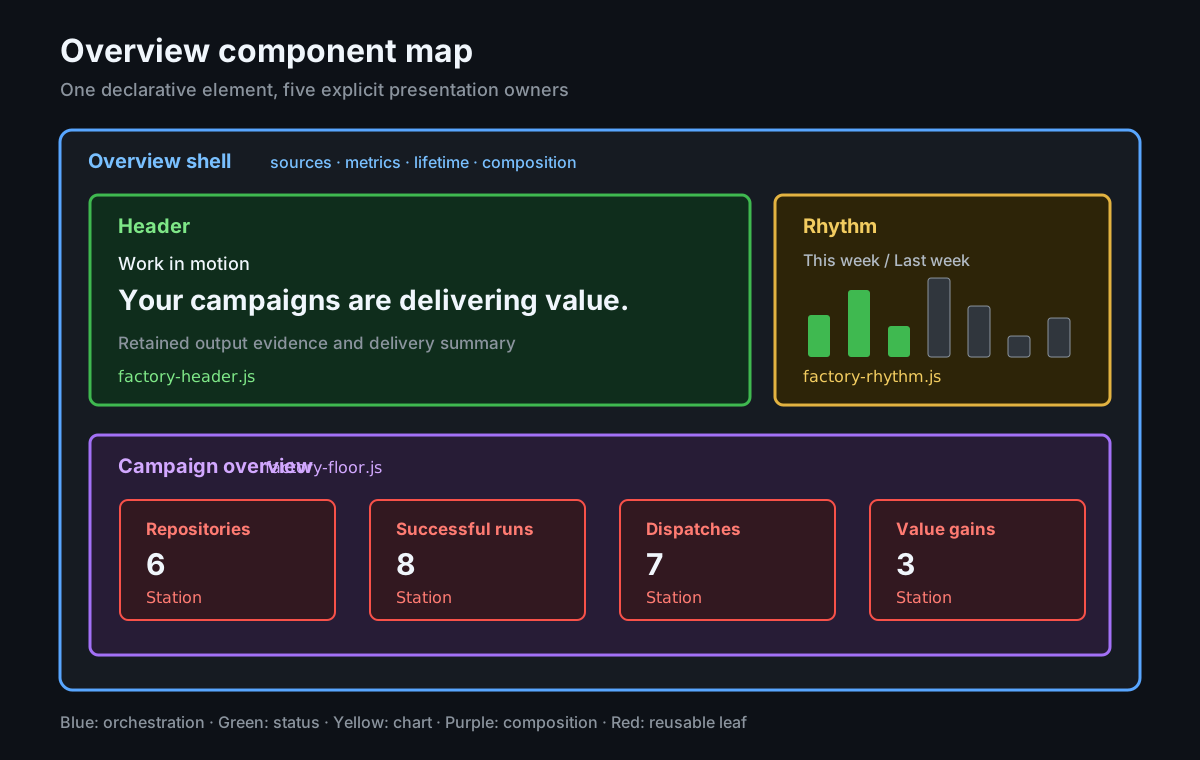
The page presents factory activity across CAO and its targeted repositories. Its status header and weekly rhythm summarize current activity, while a Factory health station measures all registered workflows and a repository-coverage station connects that activity to repository scope. Use the Campaigns page to find registered campaigns and open their Insights views. These are related operational signals, not stages in a conversion funnel.
What Overview shows
Section titled “What Overview shows”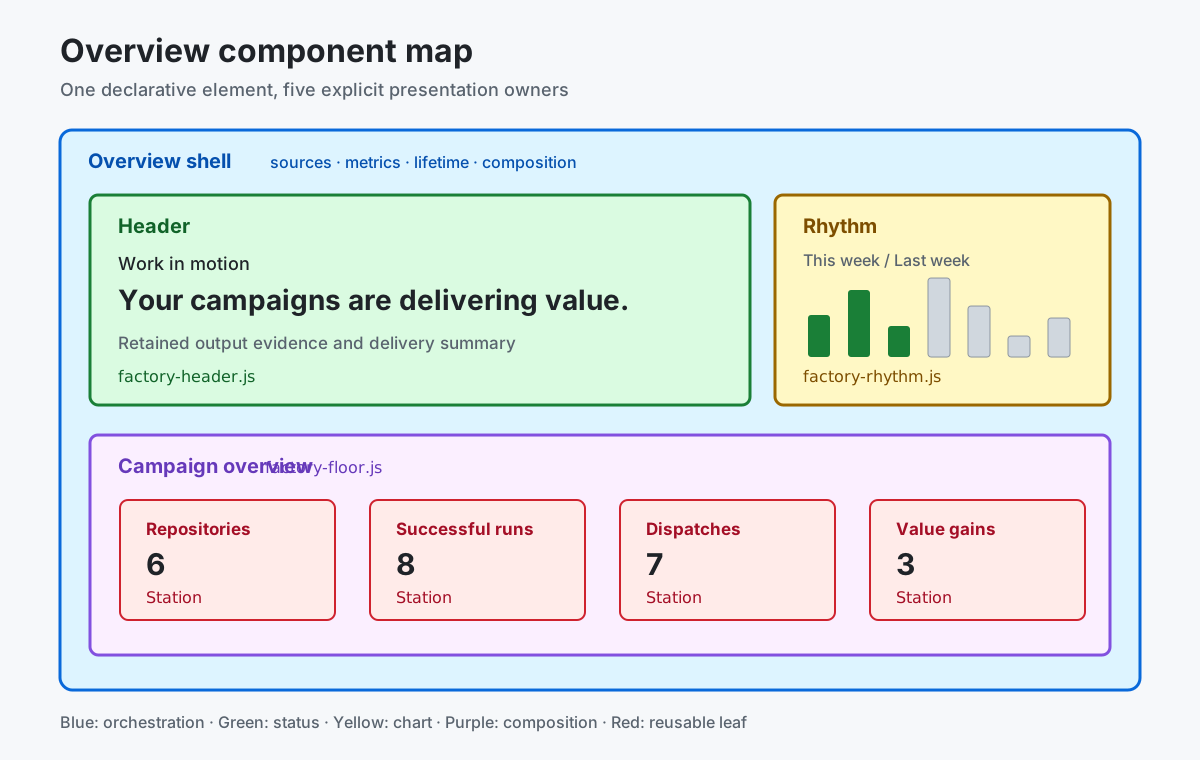
| Dashboard area | What it tells you | Where it leads |
|---|---|---|
| Status header | Whether runs are queued or in progress and the current evidence-based status. | Runs, outputs, or operational graders when the status is unexpected. |
| Data ingestion | Dashboard refresh/import status: Current, Refreshing, Importing, Refresh failed, Rate limited, or Unknown. Includes the last complete snapshot time when available. | Retry a failed refresh or wait for rate limiting to clear. |
| Weekly rhythm | All workflow runs for each weekday in the current week, regardless of status or conclusion, with previous-week context for weekdays not yet reached. | Runs when the cadence changes unexpectedly. |
| Factory health | The share of all registered workflows across CAO and targeted repositories without current observed runtime failures. | Workflows to investigate failing execution. |
| Repositories (coverage station) | Registered repositories that received a successful worker delivery against the total registered scope. | Repositories for the complete inventory and delivery evidence. |
| Issues & PRs | Retained issue and pull request safe outputs. | Issues for the underlying safe outputs. |
| Value gains | Observed grader results, not verified improvements. | Graders for the retained observations. |
The selected dashboard time range applies before Overview calculates these values. The start time is inclusive and the end time is exclusive. Weekly rhythm uses a 15-day input window to construct its current- and previous-week comparison.
For the component boundaries, responsive behavior, and exact query names behind each area, see the Overview component model.
How to interpret the metrics
Section titled “How to interpret the metrics”Read each station as a prompt for investigation, not as a health or conversion score:
- Factory health counts every registered workflow, including standalone and
campaign workflows in CAO and targeted repositories. A workflow has a current
failure when its latest completed-run streak contains
failure,startup-failure,stale, ortimed-out; an in-flight retry does not clear that failure. Workflows with no retained completed runs have no observed failure, which is not proof of successful execution. This ratio does not measure repository outcomes or operational value. - Repository coverage counts registered repositories that received at least one successful worker delivery; a repository can be registered without yet receiving work during the selected time range.
Missing evidence remains unavailable rather than becoming a healthy zero.
Data ingestion reuses the top-right dashboard status icons and feedback. It tracks this dashboard’s data refresh/import, independently of the selected time range and factory workflow health. Current means the refresh completed, not that upstream server collection queues are healthy. A failed first import never becomes Current; a failed refresh retains the last complete snapshot time without presenting cached data as a successful refresh.
Where the data comes from
Section titled “Where the data comes from”Overview uses the shared snapshot published by CAO Activity. The Activity Specification defines the snapshot and its requirements.
| Source | How Overview uses it |
|---|---|
overview-runs | Counts active, successful, and failed runs; builds Weekly rhythm, current workflow failure streaks, and the run-motion status input. |
repositories | Counts canonical repository identities in the observed control-plane scope for repository coverage. |
workflows | Supplies the all-workflow Factory health denominator, identifies declared workers, and enriches run context. |
outcomes | Supplies delivery evidence for the repository-coverage station. |
If one of these sources is unavailable, Overview reports the missing evidence instead of reconstructing it from unrelated totals.
When to investigate
Section titled “When to investigate”Start with Runs when the status heading reports strain, a failure count is nonzero, or Weekly rhythm changes unexpectedly. Use Workflows to investigate Factory health, Campaigns to find a campaign reporting a problem, and Repositories to reconcile registered scope against delivery evidence. Always check the selected time range and evidence freshness before drawing a conclusion.